
| Menu level 1 | Menu level 2 | Menu level 3 | Description |
|---|---|---|---|
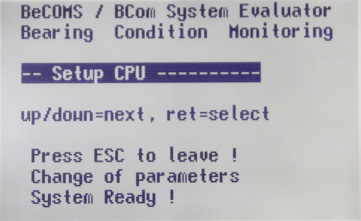 Setup CPU | View and change BeCOMS® parameters. If the sublevel was entered (see Table 2 on page 4.11), pressing [Esc] restarts the Evaluator |
Table 2 Setup CPU Details
| Menu level 1 | Menu level 2 | Menu level 3 | Description |
|---|---|---|---|
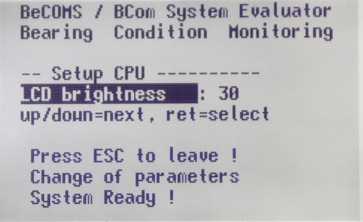 LCD brightness | Brightness of Evaluator LC display in the range of 5 to 100. The higher the value, the brighter is the display. | ||
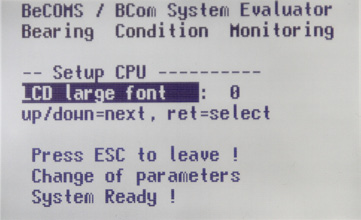 LCD large font | Selection of font 0 = 7×12 System 1 = Consolas 2 = Lucidas Console | ||
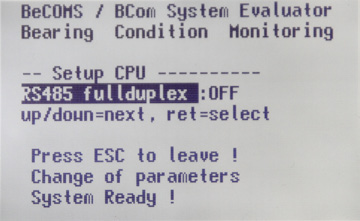 RS485 fullduplex | RS485 transmission mode. Possible values: OFF: two-wire mode. Sending and receiving data simultaneously is not possible. ON: four-wire full-duplex mode. Allows communication in both directions simultaneously. | ||
 Modbus enable | Enable or disable (values ON and OFF accordingly) the Modbus interface. | ||
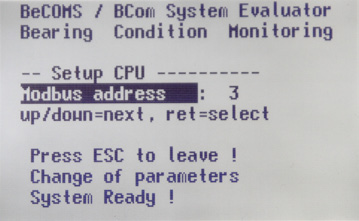 Modbus address | Modbus address in the range of 0 to 99. | ||
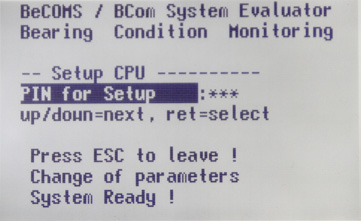 PIN for Setup | PIN for enabling write access to menu items in “Setup Parameter”, “Setup CPU” and “Test Features”. To enter PIN: press [Enter], the PIN field becomes highlighted. Use [▲] and [▼] buttons to increase or decrease the value. When the correct PIN appears in the value field, press [Enter] again. This screen appears again, and the system parameters can be changed now. If wrong PIN was entered, text in the PIN field will be changed to “P??”. | ||
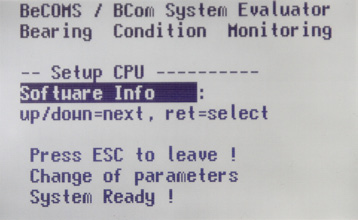 Software Info Software Info | Firmware version of the Evaluator (read-only). |