
| Menu level 1 | Menu level 2 | Menu level 3 | Description |
|---|---|---|---|
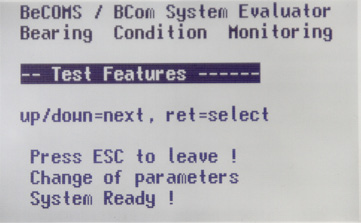 Test Features | To get access to this menu, a PIN must be entered (see Table 2 on page 4.11). View and use test features of the Evaluator. (see Table 3 on page 4.12) |
Table 3 Test Features Details
| Menu level 1 | Menu level 2 | Menu level 3 | Description |
|---|---|---|---|
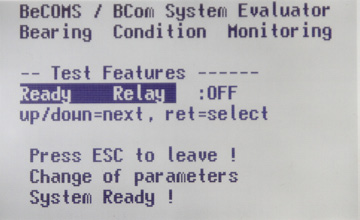 Ready Relay | Switch the Ready relay ON and OFF | ||
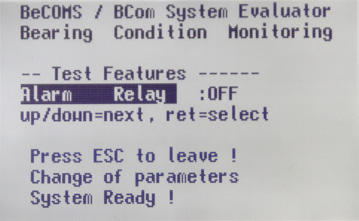 Alarm Relay | Switch the Alarm 1 relay ON and OFF. | ||
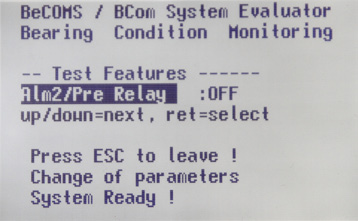 Alm2/Pre Relay | Switch the Alarm 2 relay ON and OFF. | ||
 Testsignal A | Switch the test signal on channel A ON and OFF. At the same time the values TS1 and TS2 are displayed (signals from the first and the second thermovoltage measurement channels). | ||
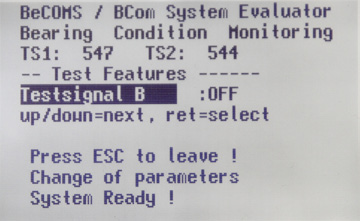 Testsignal B | Switch the test signal on channel B ON and OFF. At the same time the values TS1 and TS2 are displayed (signals from the first and the second thermovoltage measurement channels). | ||
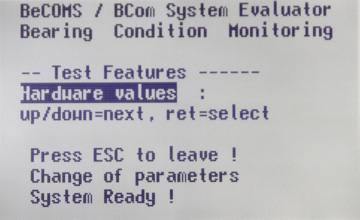 Hardware values | The screen displays some information about Evaluator hardware. – temperature Mainboard – temperature Display – internal clock values |